Page-based documents inside your editor
Give users print-ready documents with stable pagination, without sending them back to Word.













Add real page layout to your product
Page Layout gives your editor page rules, predictable flow, and stable page boundaries. It is built for products where documents need to match real page constraints for PDF, compliance, client delivery, or print-ready output.
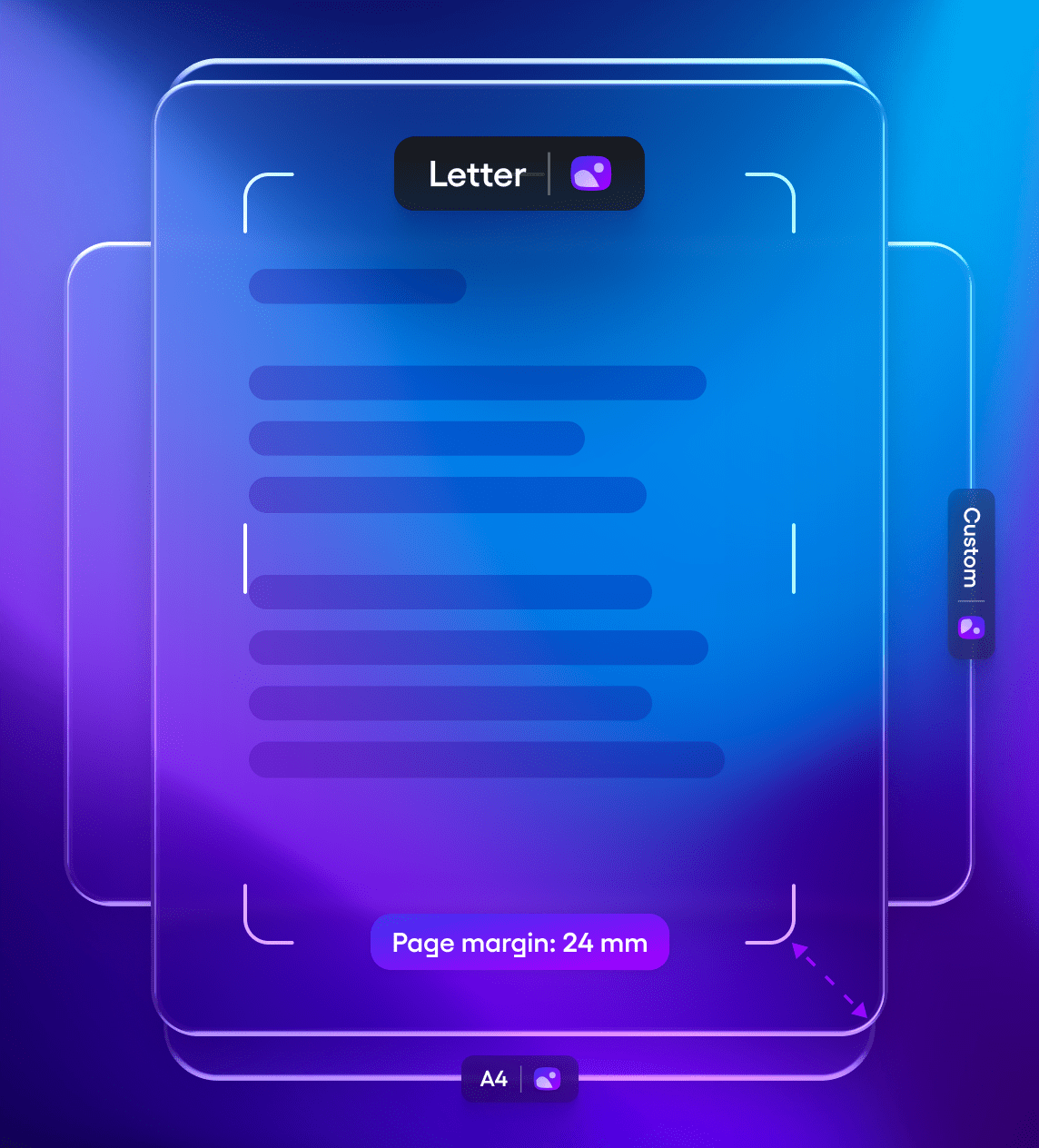
Page canvas and formats
Work with page sizes, margins, spacing, and visible page boundaries while users edit.
- Letter, Legal, A4, Tabloid, and custom page sizes
- Configurable page margins
- Visible page boundaries inside the editor
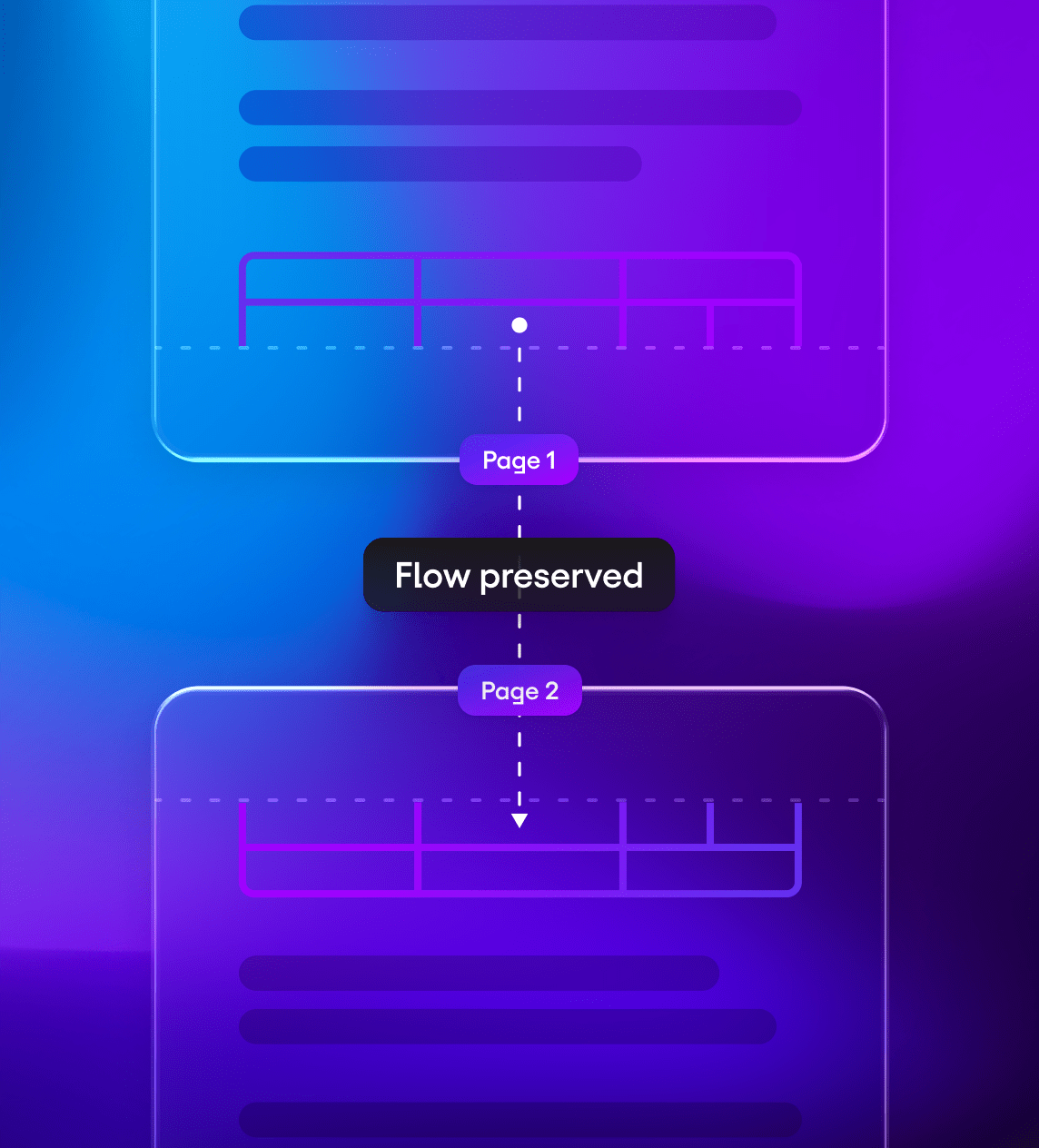
Stable pagination
Keep page flow predictable as content changes, templates update, or documents are generated.
- Accurate page breaks
- Natural text flow across pages
- Consistent behavior in long documents
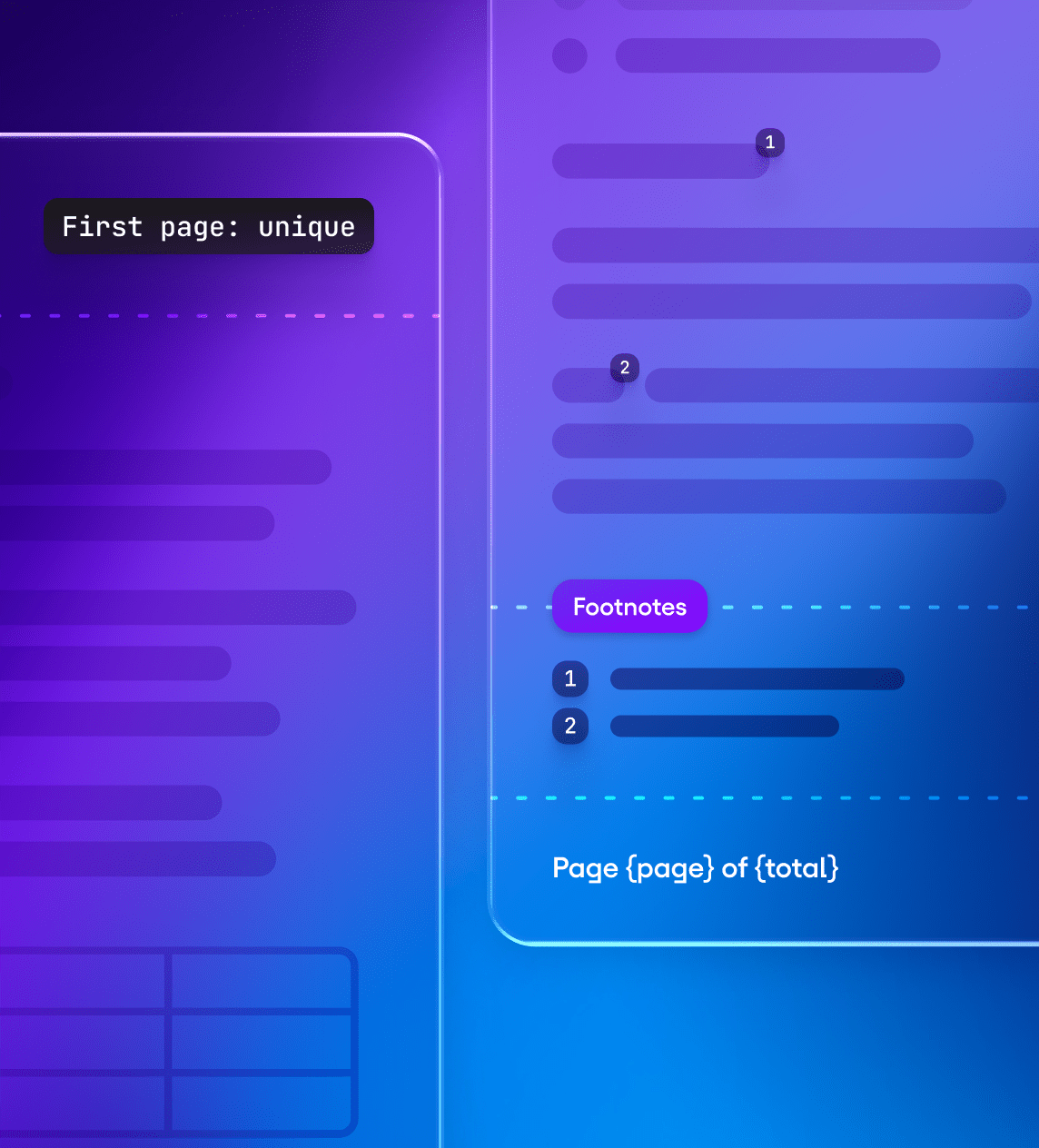
Headers, footers, and notes
Add page numbers, metadata, footnotes, endnotes, and document-specific page regions.
- Dynamic page numbering with
{page}and{total} - First-page and odd-even variations
- Footnotes and endnotes
Page Layout is not a styled container. It is a layout engine for real document workflows.
How Page Layout keeps documents predictable
Tiptap turns page layout into part of the editing experience. Page sizes, margins, headers, footers, and pagination rules stay connected to the document as users edit, generate, import, and export content.

Keep layout tied to document flow
Page boundaries guide editing behavior instead of only decorating the canvas.

Give complex content clear behavior
Tables, images, embeds, and custom nodes can follow predictable layout rules across page boundaries.

Make templates repeatable
Generated documents keep the same structure across users, data inputs, and export formats.
Keep long documents stable
Pagination, headers, footers, and numbering remain reliable as documents grow.
Page Layout handles the page behavior, so your product can focus on the workflow around the document.
Use cases
for page-based editing
Use Page Layout to create document workflows where page structure matters from the first draft to final output.
Contracts and legal documents
Draft print-ready legal documents with accurate page breaks, headers, footers, and DOCX-ready structure.
Reports and proposals
Build multi-page documents with consistent layouts, tables, images, metadata, and controlled sections.
Notices and letters at scale
Generate customer communications with repeatable page structure, dynamic content, and predictable output.
Invoices and statements
Create fixed-format documents with logos, page numbers, totals, tables, and structured blocks.
Policies and guidelines
Support long-form documents that require stable formatting, section flow, and reliable pagination.
PDF-ready workflows
Let teams edit in a paginated view before exporting documents for print, compliance, or delivery.
Page-aware workflows for humans and AI
Use the same page rules for human editing, generated documents, and AI-driven workflows.
Human editing
Give users a familiar page canvas with real margins, headers, footers, and document flow.
- Edit with visible page boundaries
- Keep structured blocks predictable
- Review documents before export
- Preserve layout rules across collaboration and revisions
AI editing
Let AI create and adjust documents with awareness of page structure.
- Generate content into defined page structures
- Update headers, footers, and metadata across documents
- Insert tables or sections without breaking layout rules
- Return reviewable changes instead of uncontrolled rewrites
Built for DOCX and PDF document workflows
Bring DOCX documents into a paginated editor, edit them with page-aware rules, and export documents for Word, PDF, print, or delivery workflows.
DOCX import and export
Bring Word documents into a paginated editing experience, then generate DOCX outputs when the workflow requires it.
PDF-ready editing
Let users review page flow before final export, print, or delivery.

Document element mapping
Map tables, lists, images, headings, text styles, and custom elements to your content types.
Page Layout handles the page behavior, so your product can focus on the workflow around the document.
Bring print‑ready, page‑based editing to your product
Give your users real page layout inside your own editor, with margins, headers, footers, structured blocks, and predictable output.
Frequently askedquestions
Page Layout requires the Tiptap editor core. Most teams pair it with the Document Layer for collaboration, history, AI editing, and structured workflows.
Yes. DOCX import and export are supported today. Full header and footer round-trip fidelity is coming soon.
Yes. Page Layout works with custom content types in your Tiptap schema.
Yes. Custom content types can define how they behave across page boundaries, including no-split behavior and layout constraints.
Yes. Collaboration works with paginated documents. Multiple users can edit the same document while pagination updates as content changes.
Yes. Page Layout renders entirely in the browser. For DOCX and PDF workflows, you can run Conversion on-prem or inside your VPC.
Page Layout is designed for long-form documents and structured workflows. Pagination, text flow, and component behavior remain consistent as documents grow.
Yes. When paired with AI Toolkit, AI can generate and edit content with awareness of document structure, sections, headers, footers, and page constraints.