Track changes, discuss decisions, and keep edits attributable

Keep review in the document
Comments, proposed edits, and decisions are hard to keep connected across email, PDFs, and chat. Tiptap gives you flexible building blocks to keep proposals, discussion, attribution, and approvals inside your product.














Want to see Review in action? Try our demo:
From feedback to approved changes
Bring review into your product with tracked edits for proposals, comments for discussion, and attribution where your workflow needs it.
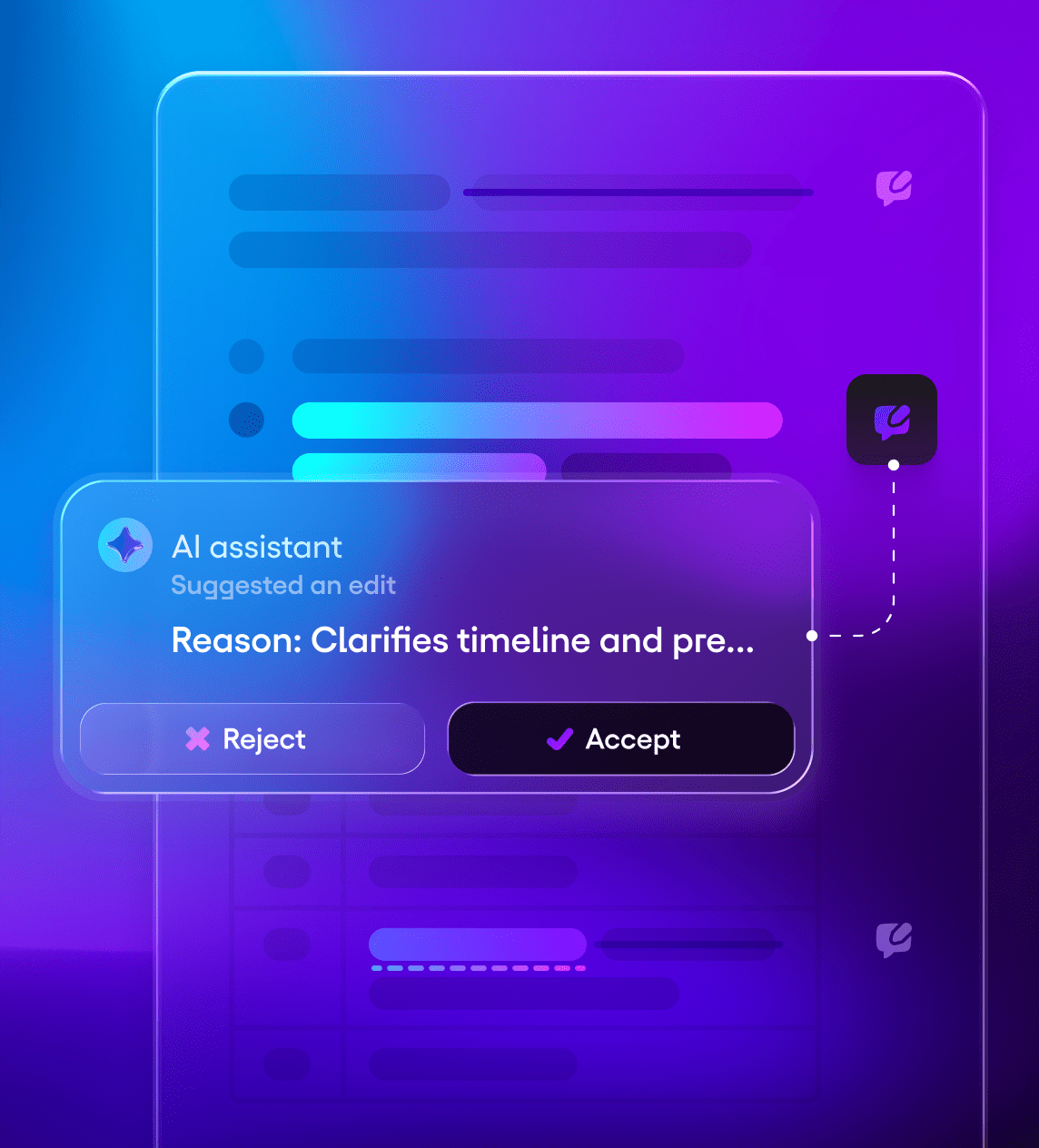
Track Changes: make every edit reviewable
Track Changes captures proposed edits inside the document. Added and removed text stays visible until someone accepts or rejects the change.
- Propose changes without overwriting
- Inline insertions and deletions
- Accept or reject decisions
- Review by contributor
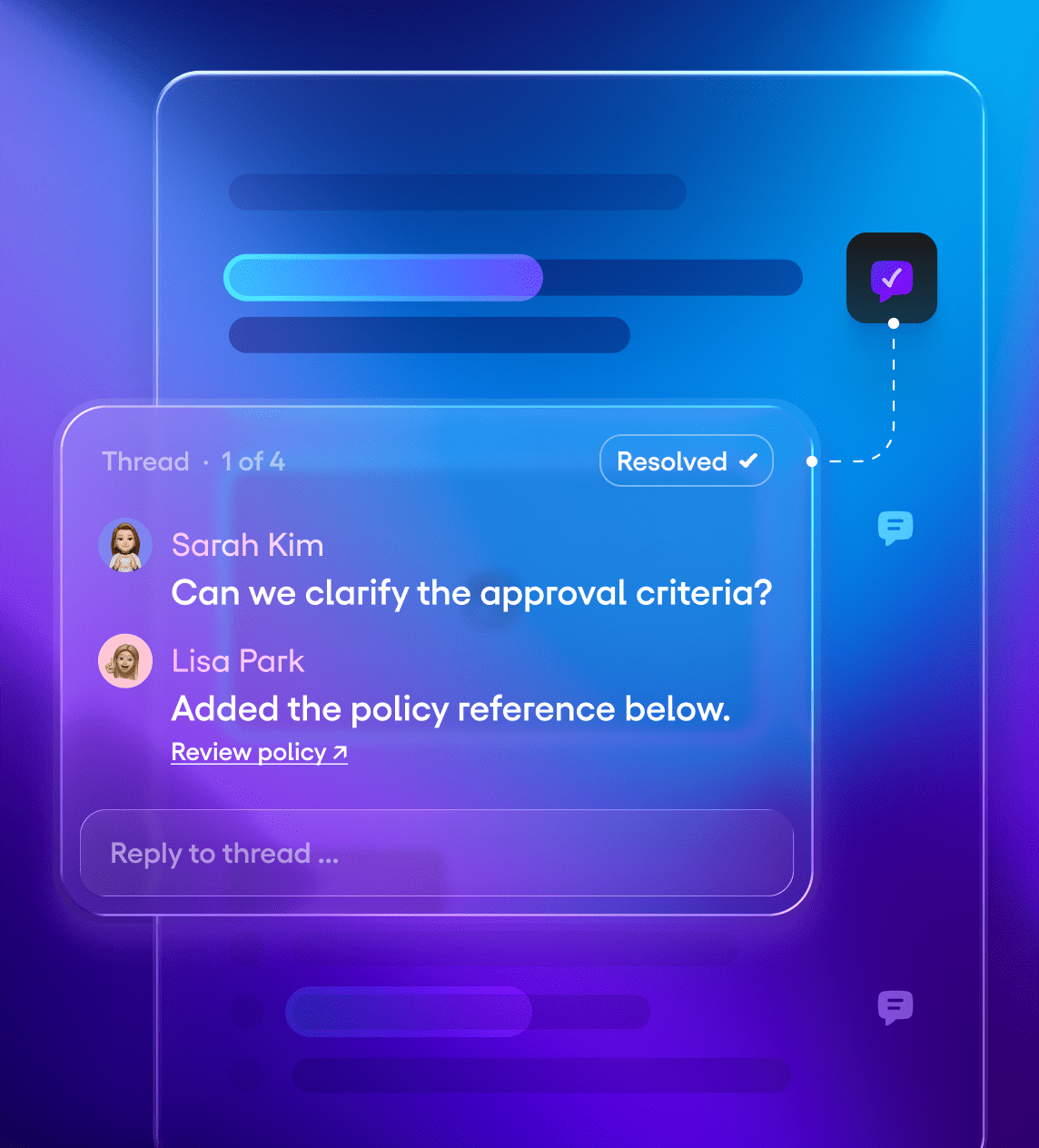
Comments: keep the decision in context
Ensure that questions, rationale, and decisions are connected to the exact content they affect without moving the review process to side channels.
- Anchored feedback
- Discussion threads
- Rationale and references
- Multi-reviewer coordination
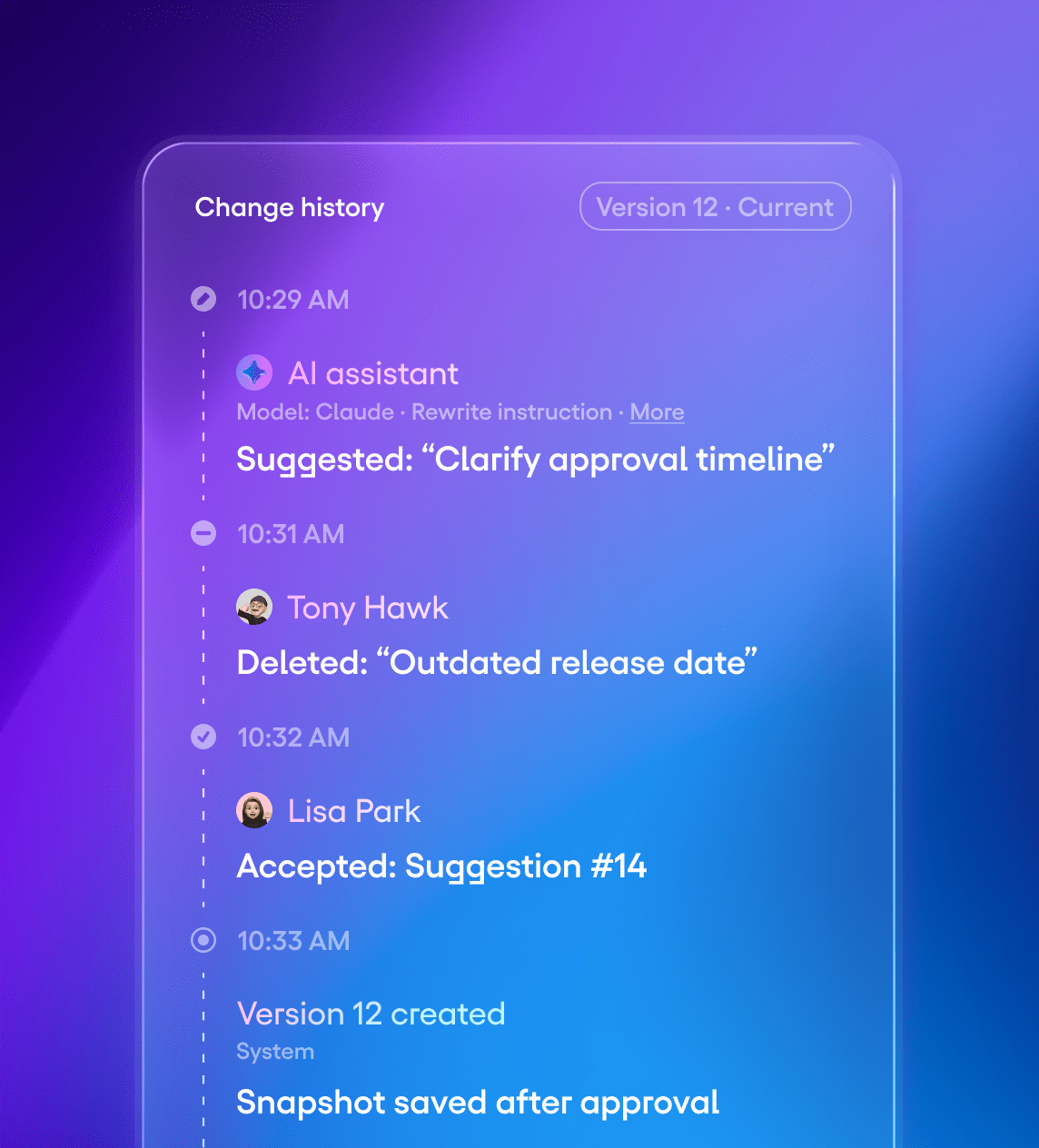
Attribution and approvals: know what changed and why
Every change has an author. Every decision has a record. See who proposed, edited, reviewed, and approved content across human and AI workflows.
- Proposal attribution
- Review decisions
- Source metadata
- Decision history
Use comments, tracked changes, or both, then shape the workflow around your product.
From proposal to final wording
Use comments and tracked edits independently, or combine them when a proposed edit needs discussion before approval.

Tracked change or comment

Discussion and rationale

Accept, reject, or resolve

Final document and decision history
Examples in real products
Common patterns teams ship with comments and tracked edits.
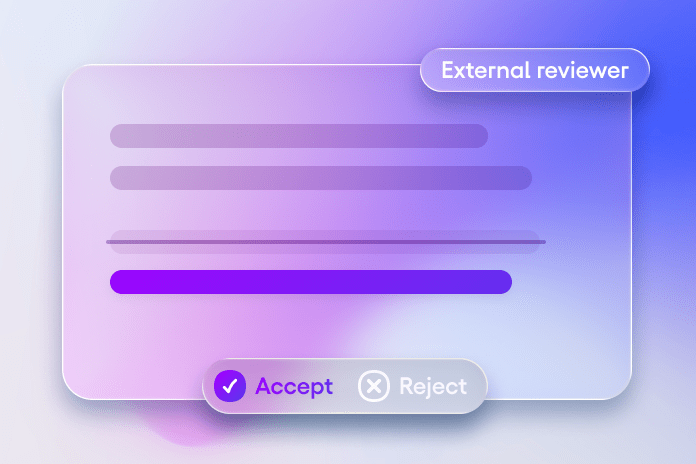
Legal redlining
Support external reviewers, structured redlines, and clear accept or reject decisions.
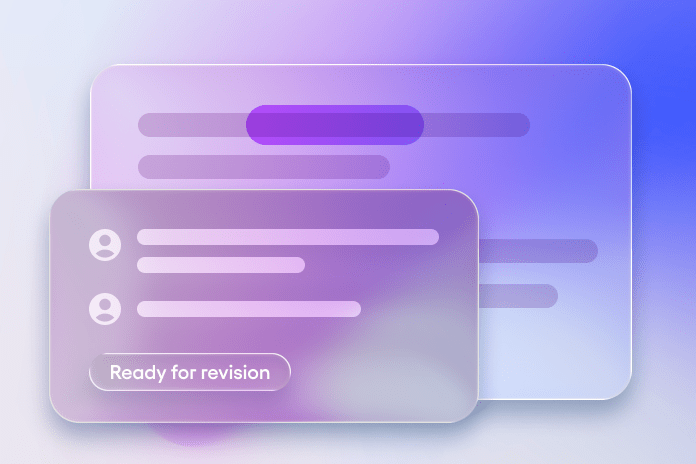
Editorial review
Coordinate writers, editors, and freelancers with proposals, comments, and approvals.
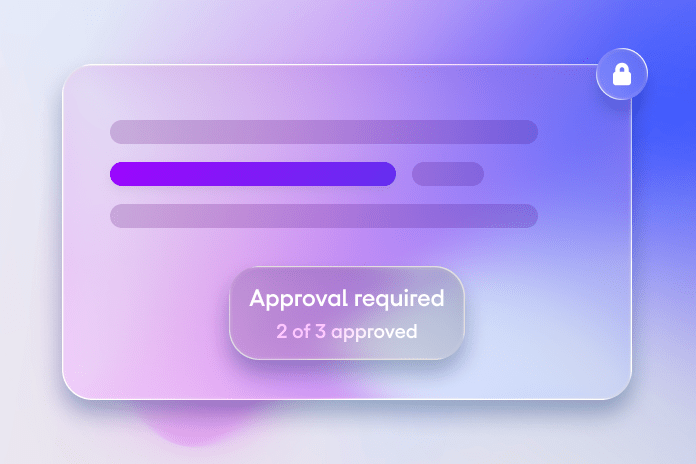
Knowledge base governance
Add review gates for updates, policy changes, and regulated content.
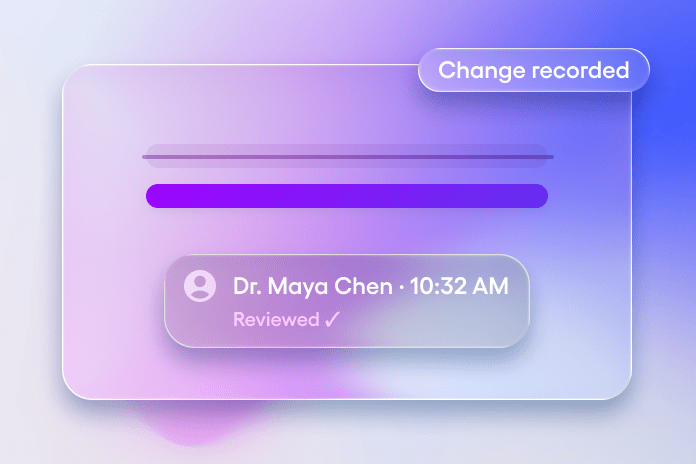
Healthcare review
Keep documentation changes traceable when they require review and accountability.
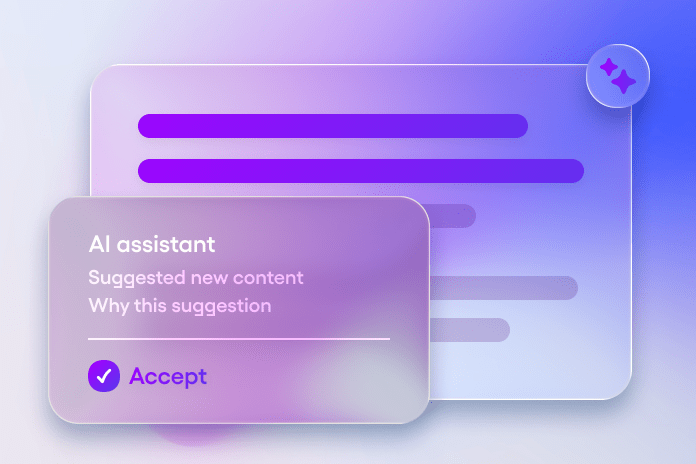
AI-assisted drafting
Let AI agents propose edits and leave rationale, with humans approving the final wording.
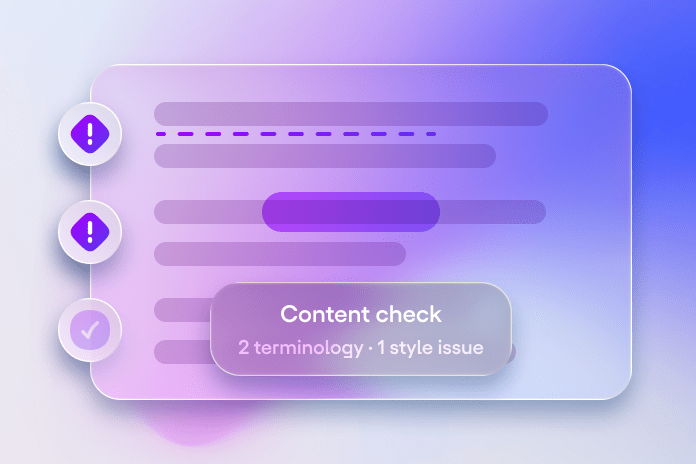
Proofing and consistency
Flag issues by category and propose fixes as tracked edits, with rationale in comments.
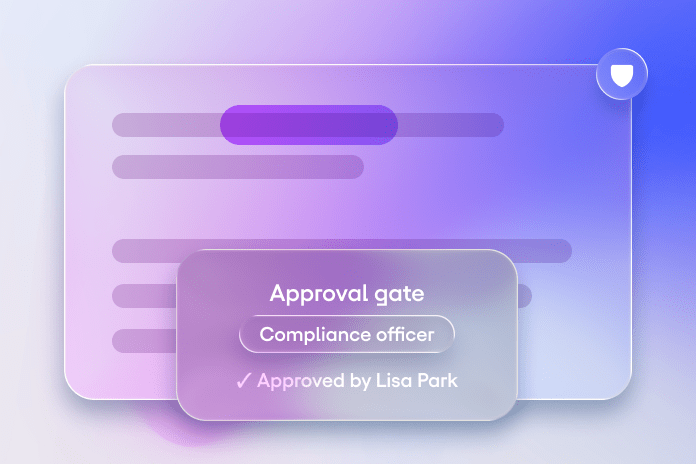
Regulated approvals
Connect review decisions to roles, permissions, and approval gates.
Two contributors, one workflow
AI can propose and explain changes, humans decide what ships.

Human review
- Review inline edits without losing the original content
- Discuss proposals next to the exact text they affect
- Accept or reject changes with a clear audit trail

AI-assisted review
- AI agents propose edits from chat, prompts, or background workflows
- Comments capture rationale, sources, and guidelines
- Humans approve the final wording
AI agents use the same review primitives as humans: tracked edits for proposals and comments for rationale.
Make it yours
Comments and tracked edits are building blocks. Use them together or independently, then add the governance your product needs.

Reviewer roles and approval gates
Define who can propose, comment, and approve.

Batching and bulk actions
Review and resolve proposals faster at scale.

Assignments and notifications
Route reviews to the right people at the right time.

Filters by contributor
Focus on one author, team, or AI agent.

Analytics across decisions
Track acceptance rates and review throughput.
Plan your implementation
Tell us what you’re building. We’ll help you map the workflow, choose the right extensions, and design a production-grade implementation.
Frequently askedquestions
Yes. Review is designed to work with your schema, editing rules, permissions, and UI.
Yes. Because proposals include attribution, you can build filters for specific contributors, including AI agents and humans.
Your product defines the rules. Track Changes provides explicit accept and reject actions, and you can connect them to roles, permissions, and review gates.
Yes. AI agents can use comments to provide rationale, including policy references, sources, or internal guidelines.
Yes. Proposals can carry source metadata, for example an AI agent name, model, prompt reference, or a user ID, so reviewers can see where a change came from.
Tracked edits capture changes as proposals instead of applying them immediately. Insertions and deletions stay visible until a reviewer accepts or rejects them.
No. Comments and tracked edits are complementary tools. Use either one on its own, or combine both for a complete review workflow.