Document comparison for teams that answer to auditors.

See every edit, down to the table cell, across multiple docs and versions
Compare shows exactly what changed between multiple documents or versions (and who changed it), down to the table cell and nested list. Built for enterprise-grade financial reporting, legal review, and anything a regulator might read.
Compare runs in your code: browser, web worker, or your own server, so you stay in control of your data.
Tiptap is SOC 2 Type II and HIPAA verified, as well as being GDPR compliant.













See Compare in action: find the changes a plain text diff would miss.
A single changed value inside a cell. And edit to a nested list item. A formatting-only change. And more.
What changed, where, and by whom
Our purpose-built diff algorithm reads document structure, not just text.
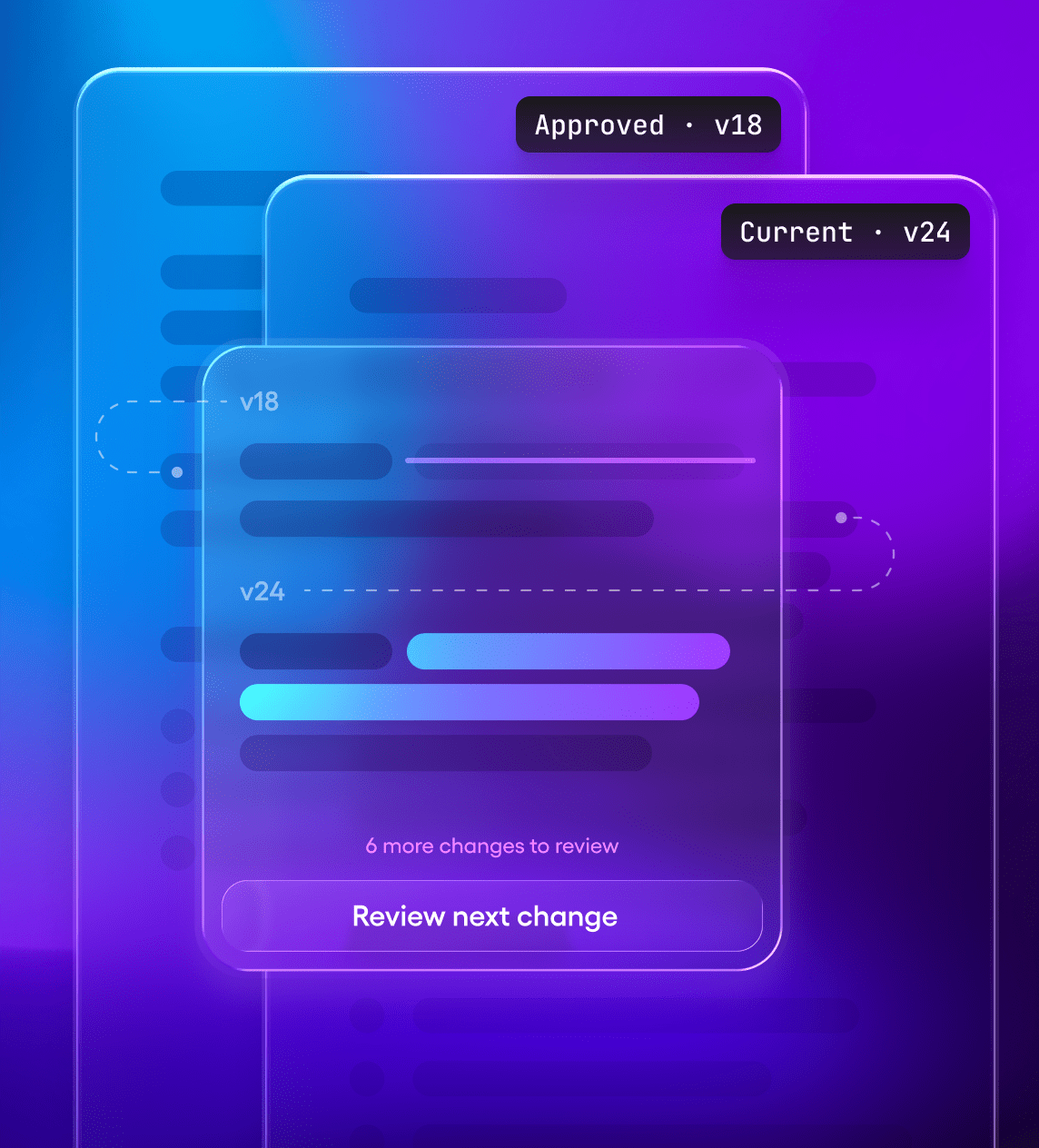
Review only what changed
Compare the current draft against the last approved version or template. Reviewers see just the edits, so they don't have to reread the whole document to find them. Supports diffs across multiple documents and versions.
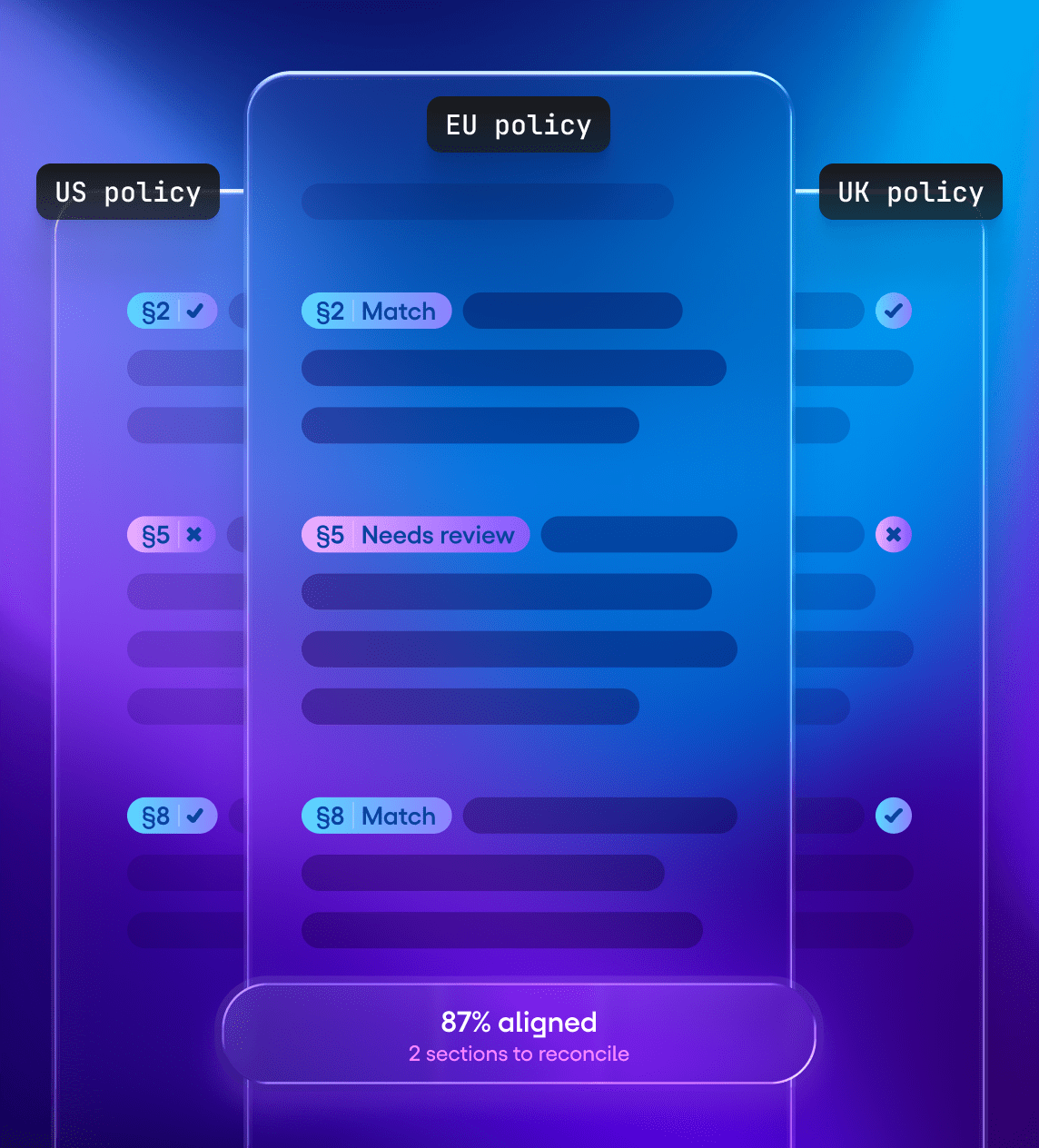
Down to the table cell
Compare reads your document’s structure, not just its text. If one number changes in a table, you see that one number highlighted—not the whole table flagged as dfifferent.
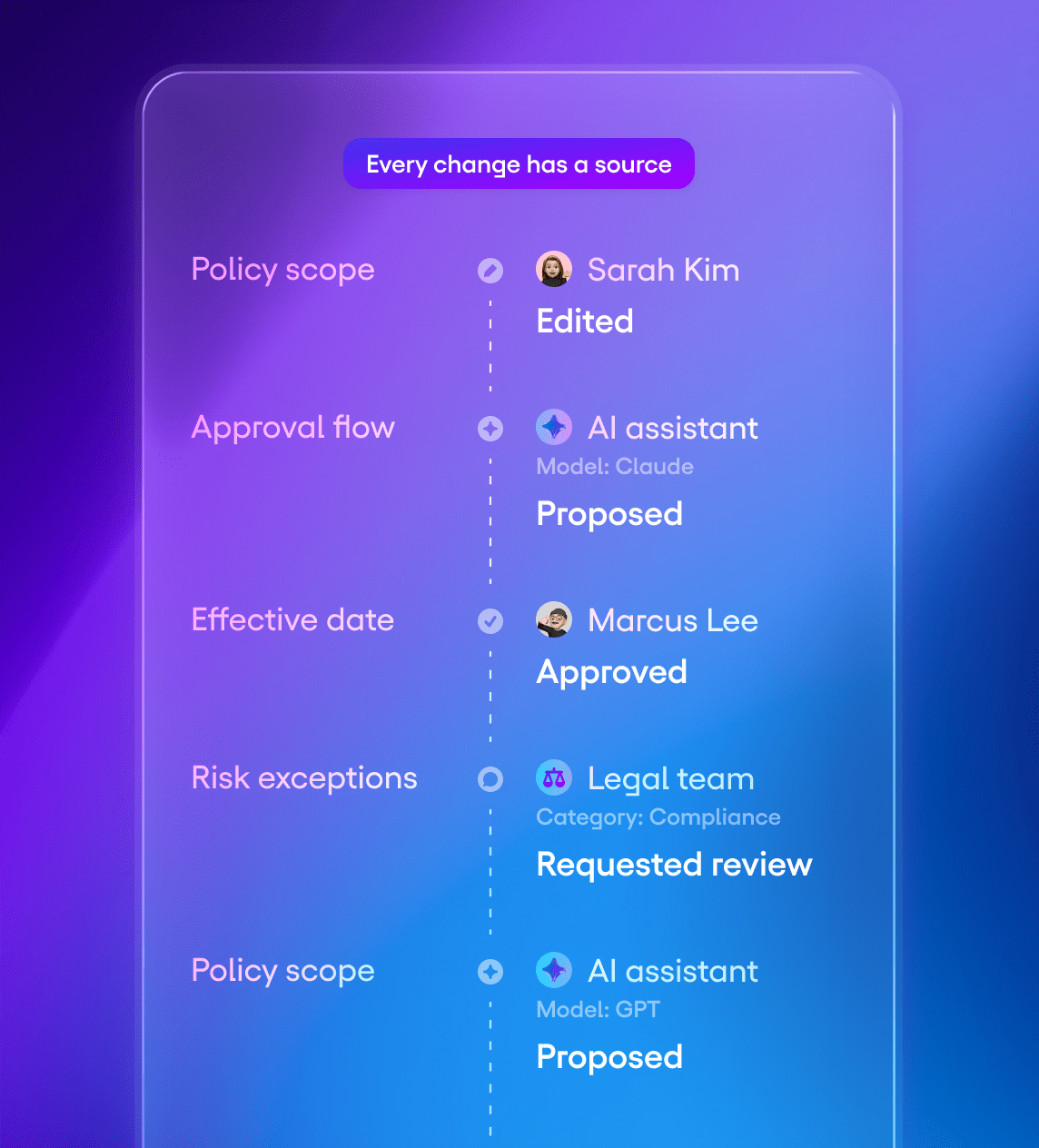
Know who changed it
When you compare versions of a document, every change comes with the ID of the person or AI agent who made it. Show authors by name, color, or filter, however your review process needs.
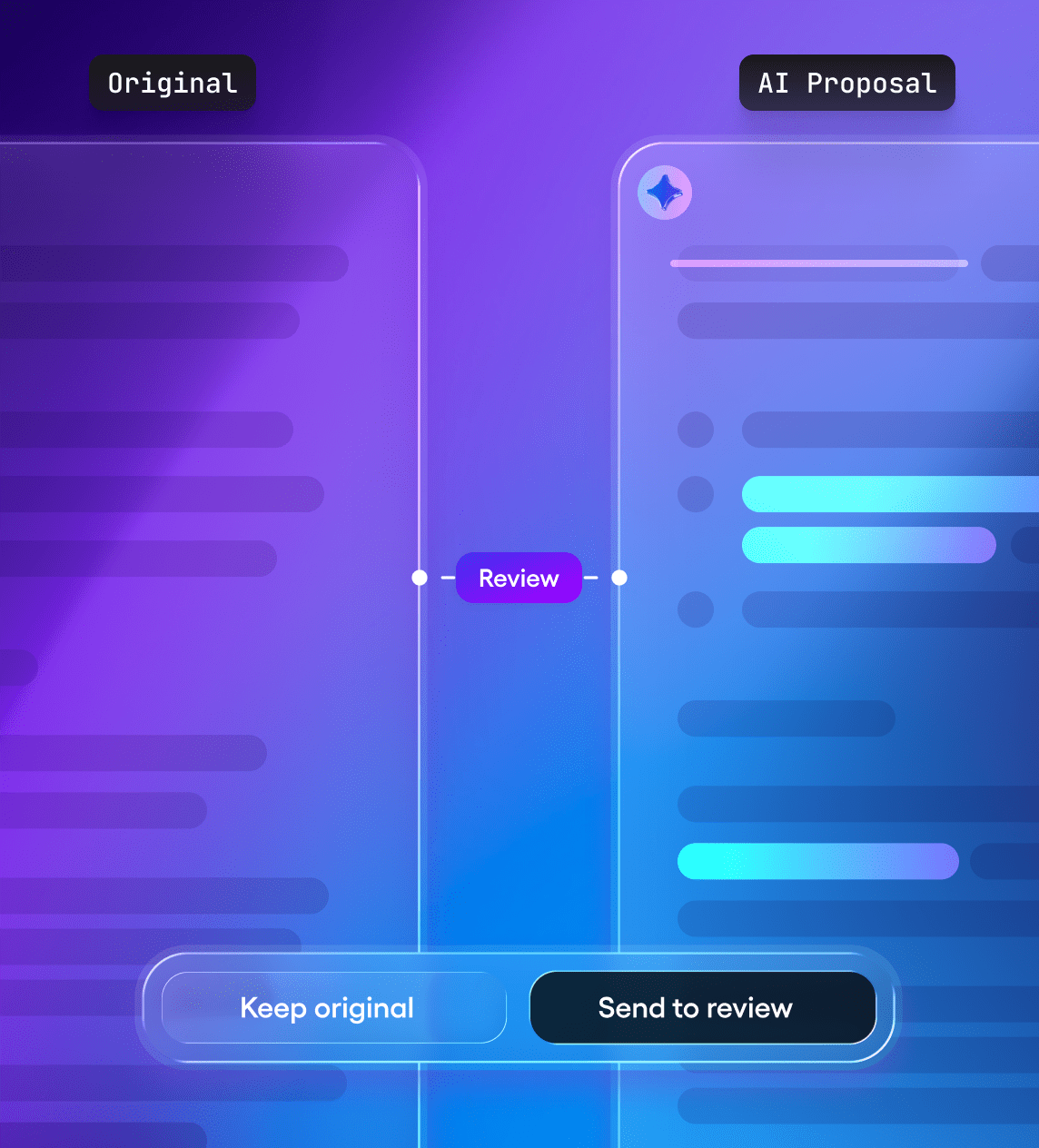
Review AI proposals before they land
Have the AI write its changes to a copy, not the original. Compare the two to show reviewers exactly what the AI added, removed, or reworded, down to the table cell. Your app keeps the original untouched until a person approves the changes.
Compare works with the structure of your document, including headings, lists, tables, formatting, and custom content types.
How it works
Two documents in, a reviewable diff out.
Pick what to compare
Two versions from a document's history, or any two Tiptap documents: a draft and its template, an AI rewrite and the original, an import and its source.
Run the comparison
In the browser, in a web worker, or on your own servers. Your documents never have to leave your infrastructure.
Show it your way
Inline, side by side, as tracked changes reviewers accept or reject, or in your own UI built from the change data.
# Quick start
import { Compare } from '@tiptap-pro/compare'

const editor = new Editor({ extensions: [Compare] })

// Provide two Tiptap documents to compare them
editor.commands.compareDocuments({ docA, docB })Build it or buy it?
A text diff takes a weekend to build. A diff that understands your schema is different. We took feedback from our customers in regulated spaces, where inaccurate review could mean legal liability or harm, and built a new algorithm for their use cases.
When building makes sense
If your documents are mostly plain text, or if shipping an unreviewed edit is a tolerable risk, then an open-source diff library may be enough.
When Compare makes sense
Tiptap’s Compare is most valuable when your documents have structure, your schema has custom nodes, or a missed change has significant consequences.
What you can build with Compare
Compare supports workflows where a document must stay aligned, accountable, and ready for a decision.
Multi-office approvals
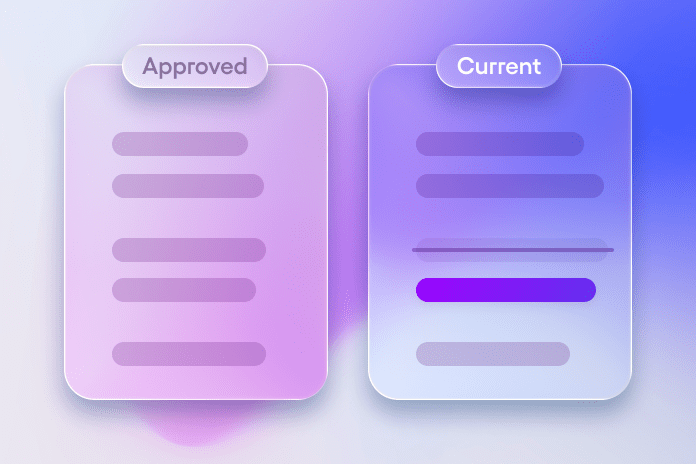
A policy passes through five offices before it's final. Each reviewer sees only what changed since their last review, and who changed it, instead of re-reading 40 pages every round.

Required clause checks
Federal contracts must include required clauses. Check each contract against its approved template to see what was removed or reworded before anyone signs.
Legacy migrations
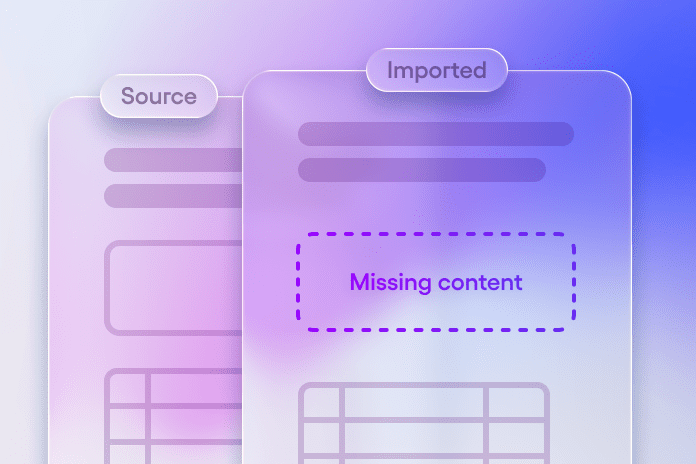
Moving decades of document out of an old system? Compare each import against its source to catch dropped tables, lost formatting, and missing sections before the old system is retired.
Start with Compare. Add the rest when you need it.
Compare works by itself. Add review workflows, AI drafting, or real-time collaboration when your customers need them.
Compare
Finds the changes between multiple documents or versions, down to the table cell. Your app decides how to show them.


Review
View Compare’s changes as suggestions reviewers can accept or reject.

AI Toolkit
Let AI draft edits inside the document, then use Compare to show exactly what it changed.

Document History
Let teams draft together in real time, on your servers or in our cloud. Compare works directly with Collaboration’s saved versions.
Let’s scope Compare for your product
Compare is a paid add-on, sold through our team. Tell us what documents your customers review, and we'll scope pricing and the integration with you.
Frequently askedquestions
Tiptap Compare is a paid add-on for the Tiptap editor purpose-built for enterprises needing document comparison in situations like financial reporting, legal reviews, and other auditable situations. Compare finds the changes between documents, or versions of the same document, down to the table cell. Developers use it to build review, approval, and audit workflows into their own apps.
We scope pricing to your specific use case, needs, and the documents your customers review. Pricing starts at $3,299 / month. Please talk to us to learn more.
A text diff compares characters. Tiptap Compare compares the document's structure, including headings, lists, tables, formatting, and your custom content types. If one number changes in a table, reviewers see that one change, not the whole table flagged as replaced.
Yes, when you compare different versions of the same document. Each change includes the user ID of whoever made it, and your app decides how to display it, such as by name or color. Comparing two or more separate documents doesn't include authors, since they share no edit history.
You can run comparisons in the browser, in a web worker, or on your own servers. Tiptap Collaboration can also run on your premises, so the full editing and review stack can stay inside your infrastructure.
Compare is a newer, better version of Snapshot Compare. It has the same capabilities as Snapshot Compare, and many more.
- With Snapshot Compare, you can only compare two versions of the same document. By contrast, Tiptap Compare is super flexible, you can compare multiple documents or multiple versions of documents.
- The diff that Snapshot Compare gives you is not always accurate. By contrast, Tiptap Compare employs a novel algorithm that delivers high accuracy.
- Snapshot compare does not allow you to compare documents on the server or cache the diff result. Tiptap Compare allows you to do that, to make your app more performant.
No. Developers should not use the AI Toolkit to compare two documents. The AI Toolkit is a set of tools that allow your AI to do lots of things with the document, like edit the document or add comments, but it is not designed to deliver consistently accurate comparisons.
Yes, if you want the highest accuracy in document comparison that Tiptap can offer for use cases like financial reporting, legal review, or auditable situations.
The AI Toolkit is a set of tools that allow your agent to work with the document.
By contrast, Tiptap Compare is a product that allows you to find and display the differences between two documents or two versions of the same document.
Tiptap Compare and Tracked Changes are complimentary products, not alternatives.
- Tiptap Compare: takes two documents and tells you where they differ.
- Tracked Changes: lets you add suggested changes to a document and visualize them
No, you don't need to. But Compare integrates seamlessly with our Collaboration product.
For example: by storing your documents in the Tiptap document server, you get version history out of the box. Then you can use Tiptap Compare to compare the different versions of a document that have been stored in version history.
Yes, with Tracked Changes, a separate Tiptap product. Tiptap Compare can display its results as tracked-change suggestions that reviewers accept or reject one by one, and author information from version comparisons carries over. You can also generate documents with tracked changes on the server.
Yes. Have the AI write its changes to a copy, then compare the copy with the original so reviewers see exactly what the AI changed before anything is approved. Tiptap Compare pairs with Tiptap's AI Toolkit to enable precise edits within your document’s schema, so reviewers check targeted changes instead of a fully rewritten document.
Yes, but first you have to convert them to Tiptap documents using our Conversion service, which requires a paid subscription plan.
In the unlikely event a diff is wrong, it's a bug and we will fix it immediately.